
Made to stand out.
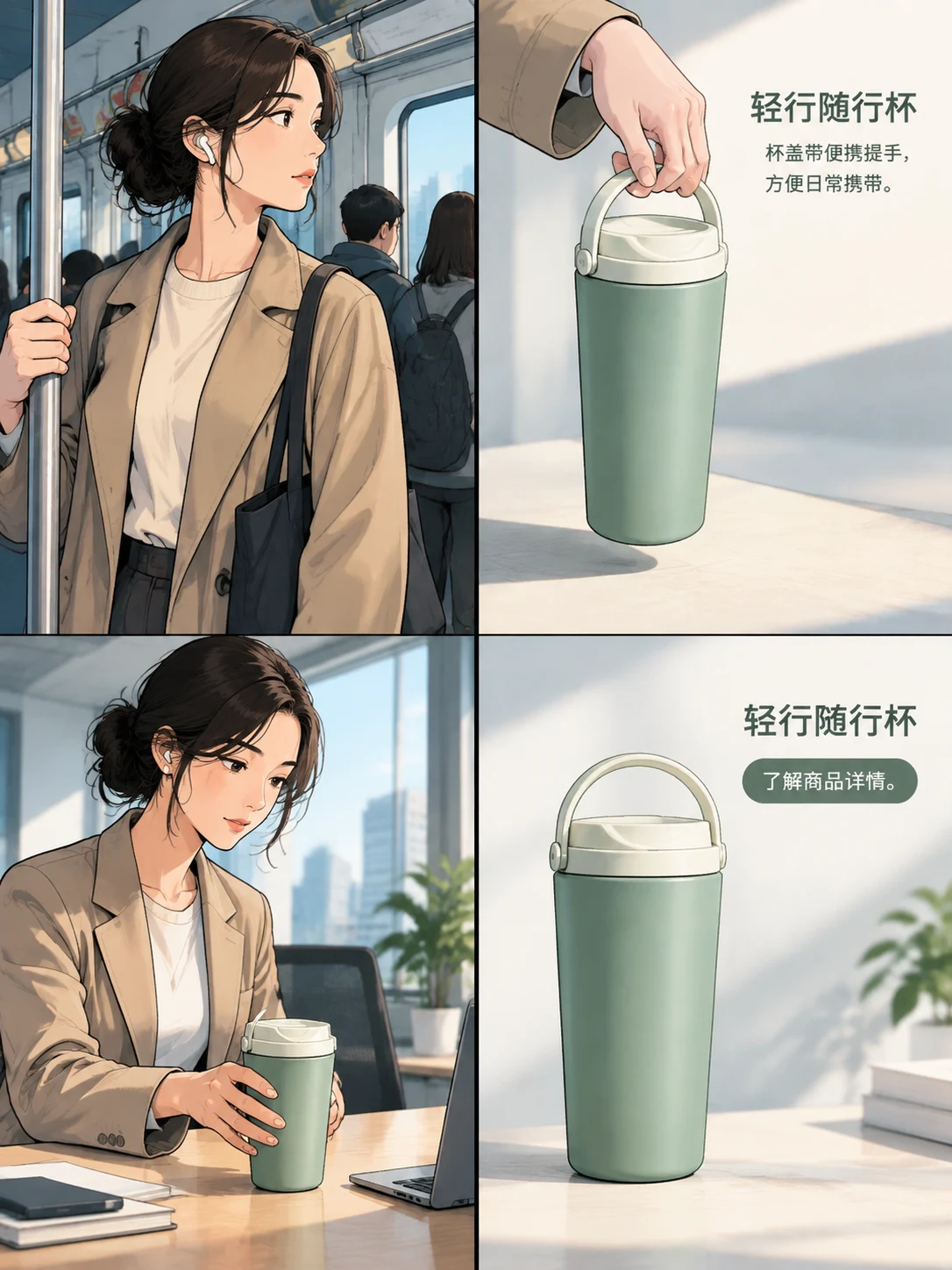
Panelly is an AI four-panel ad studio. Describe your product, add reference images, and refine your ad through conversation.
Open StudioCampaign inspiration

A morning worth waking up for.
AI visual concepts · Fictional products
Your product.
A fresh perspective.
Your product, first.

Find its point of view.
Make it yours.
One product. A few possibilities.

A few useful answers.
Do I need design experience?
No. Describe your product, audience and idea in your own words. Panelly helps you develop the visual direction in a conversation. You can start with a simple brief and refine it as you go.
Can I use my own product photo?
Yes. Add a product photo or a visual reference in Studio and explain which details matter. Check the generated packaging, colors and text against your original; a reference does not guarantee an exact reproduction.
Which image formats can I create?
Choose a square (1:1), portrait (3:4) or vertical (9:16) composition in Studio. A four-panel ad is delivered as one complete image, with all four panels inside it.
Does Panelly generate videos?
Panelly currently creates static ad images. The vertical storyboard use case helps you plan a sequence, but it does not export a finished video or extract frames from existing footage.
Can I change the result?
Yes. Continue the conversation with specific changes to the setting, style, composition or copy. A new generation can also change other details, so compare versions before choosing your final image.
How do I save and download my ad?
Use the save and download controls on a completed result in Studio. Review the product details and copy before using the image. Downloading an ad does not publish it to a social platform.
How are generations charged?
Each generated ad image uses one credit, including a complete four-panel image. A new generation uses another credit. Confirmed generation failures release the reserved credit. Open Credit packs in Studio for current prices, availability and purchase terms.
View credit packsWhich languages are available?
The website is available in English, Simplified Chinese, Arabic, Japanese, Korean and Spanish. Use the language menu to switch the interface and read guides in your preferred language.